To Review
To Review is the inbox of captures not yet classified in the report. Everything you capture in the heat of the moment — a photo taken in the basement, a voice note in an attic, a dictation between two measurements — lands here while waiting for you to give it its final place.
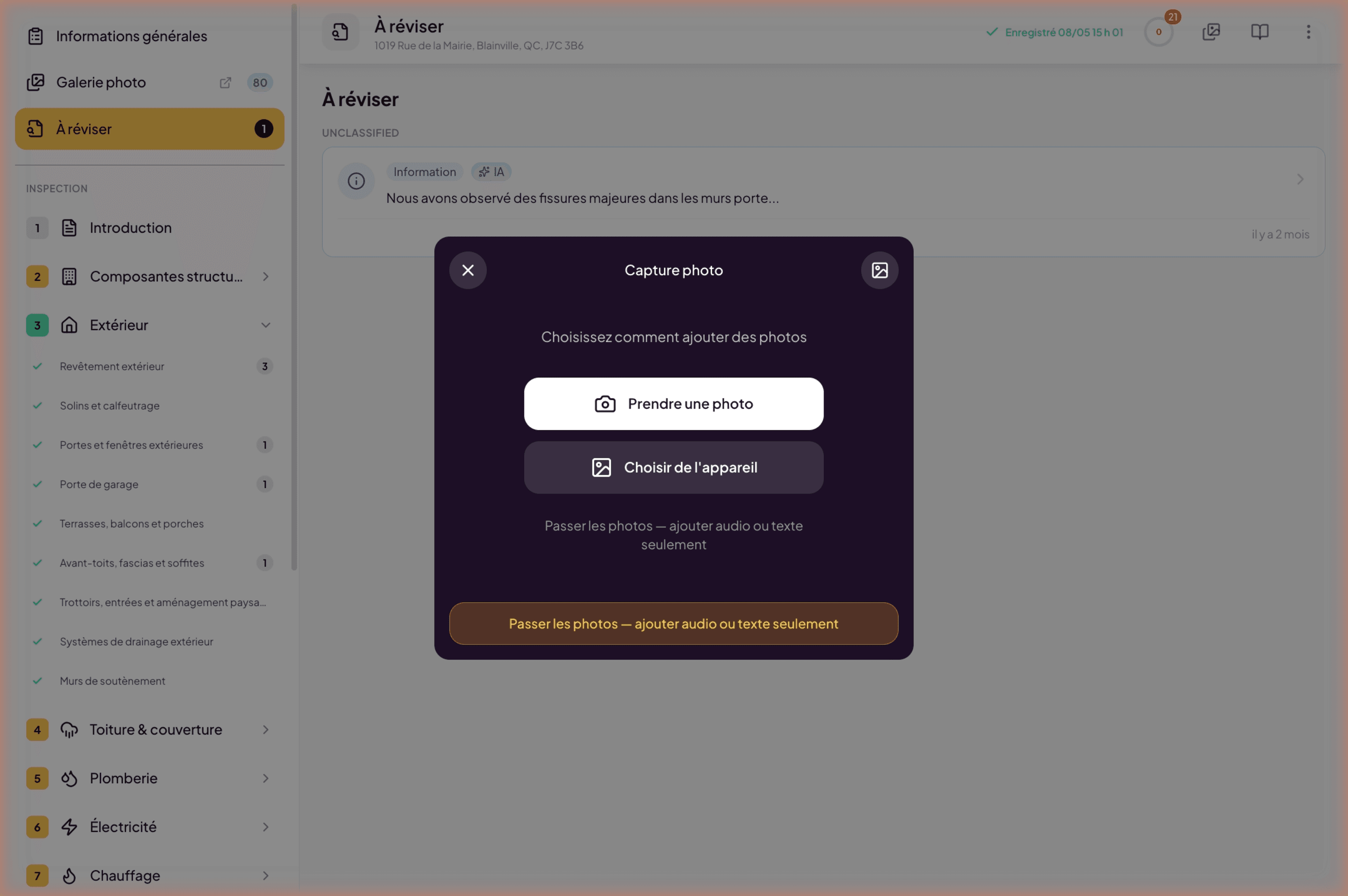
What lands in To Review
Two origins:
- Captures from Lumos Capture on the field — every photo, voice note, and dictated observation during the inspection syncs to To Review.
- Captures via the yellow floating (+) button in the web editor — useful when documenting after the fact or adding elements from your computer.
The counter next to To Review in the sidebar tells you how many items await classification.
Why this step
On the field, the goal is to capture fast and well, without losing time on classification. Structured writing happens later. To Review acts as a buffer: you accumulate raw material during the visit, then turn it into narratives at peace, rereading each item, completing the text, assigning the right subsection.
It is also a completeness guarantee: as long as a capture is in To Review, it reminds you there is unfinished work. Once classified, it disappears from the inbox.
Classify a capture
For each capture in To Review, you decide:
- Which building subsection it belongs to — for example Plumbing > Faucets or Roofing & Cover > Flashings.
- Whether it becomes a standalone narrative — if so, the text (auto-filled from the dictation where applicable) becomes the narrative content; the photos attach to it; you set severity and recommendations.
- Or whether it attaches to an existing narrative — for example an additional photo for an already-created narrative.
Once classified, the capture leaves To Review and appears in its place in the report.
Link with AI transcription
When you dictate a voice note, Lumos automatically transcribes your voice to text. On arrival in To Review, you see both the audio recording (replayable) and the transcription. You can edit the transcription before validating it as a narrative.
Best practices
- Empty the inbox regularly. Best is to process it on return from the field, or at end of day, while details are fresh.
- Capture without hesitation on the field. A misplaced capture is two clicks away from being reassigned; a forgotten observation cannot be recovered.
- Use dictation for complex contexts. The transcribed text saves writing time when classifying.
See also
- The floating (+) button
- The photo gallery
- Create and edit a narrative
- Lumos Capture — the origin of most field captures